





EBOOK IN LINGUA STRANIERA





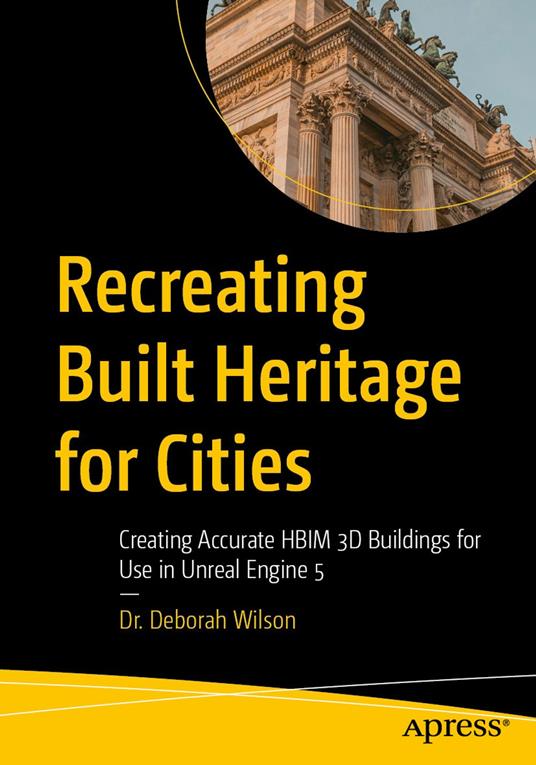
Recreating Built Heritage for Cities

55,11 €
+550
punti 
Venditore: Feltrinelli

Acquista online
Scaricabile subito
Articolo acquistabile con Carta del Docente

Articolo acquistabile con Carta Cultura Giovani e Carta del Merito

Articolo acquistabile con Carta della Cultura

Dati e Statistiche
 Salvato in 0 liste dei desideri
Salvato in 0 liste dei desideri
Recreating Built Heritage for Cities
Scaricabile subito
55,11 €
55,11 €
Scaricabile subito
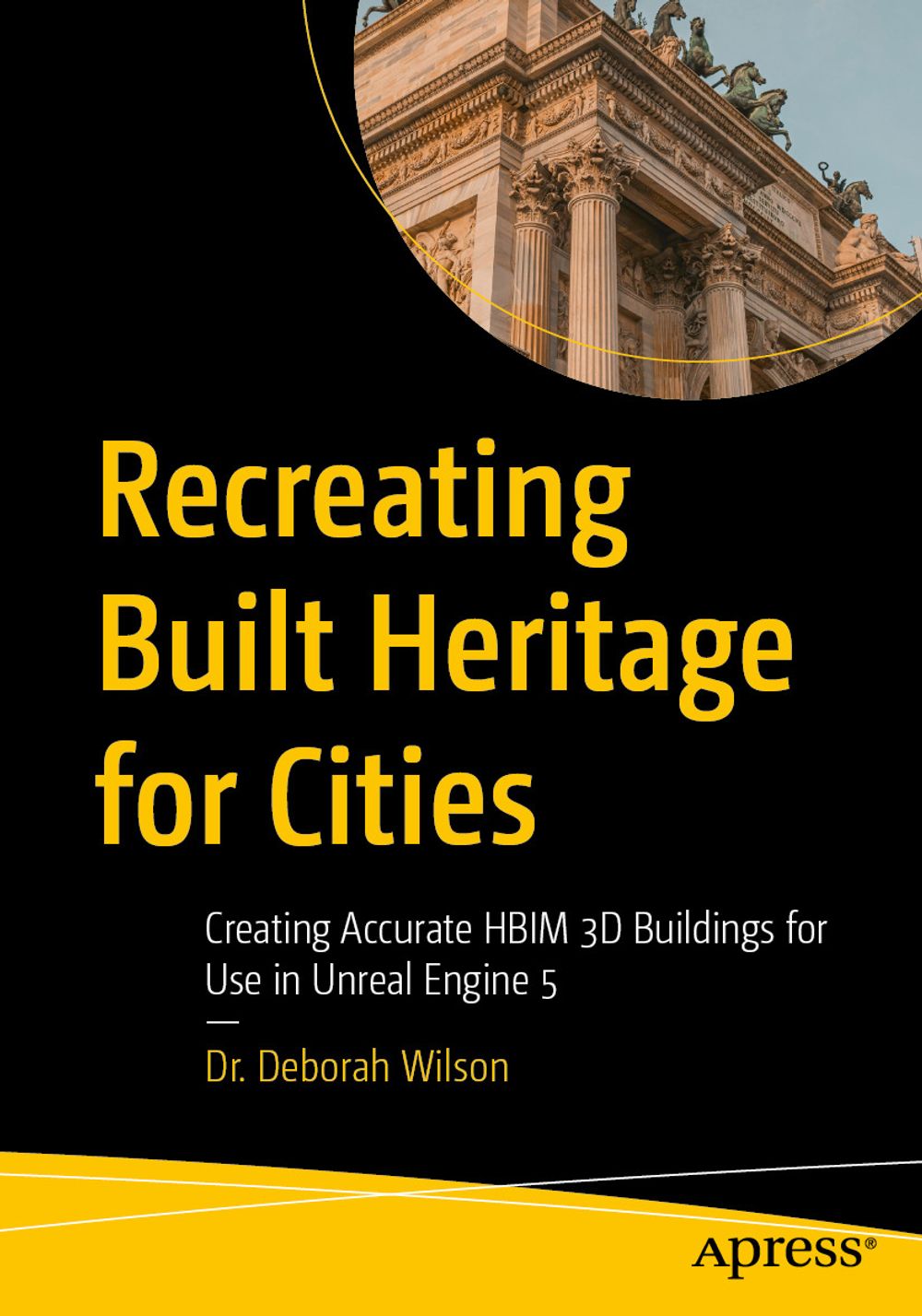


Create historic 3D building models with Heritage Building Information Modelling (HBIM) and industry standard 3D modelling software to use in Unreal Engine 5. Reconstructing vintage buildings back to their original form is becoming a growth area, especially for Heritage Tourism and Virtual Tourism. This book crosses different architectural periods and will show you how to embed heritage data with Autodesk Revit and Autodesk 3DS Max. You’ll first look at how a building’s styling has changed with time to gain an understanding of its cultural heritage evolution. The book then details how to present those buildings within their city using UE5 and how to create portals for users to step through time and view the different architectural changes made by the ‘owners’ of the time and why. You’ll also learn why certain software should be used, and the research required to reconstruct heritage buildings/spaces of significance is provided. Case studies, including real-world applications, help to illustrate the practical applications of methods and processes discussed. Visual aids and illustrations/renders are included to enhance the understanding of the processes. Recreating Built Heritage for Cities is your one-stop guide to digitally recreating and preserving HBIM 3D buildings. What You Will Learn Create heritage buildings in Autodesk Revit Explore importing historically accurate buildings to Unreal Engine 5 Find out how to use HBIM within Unreal Engine 5 Who This Book Is For Architects, historians, urban planners, heritage enthusiasts, virtual technologists, and film/game professionals with no to little experience with Autodesk Maya and/or UE5 will find the book beneficial for recreating 3d worlds/environments.
-
Autore:
-
Anno edizione:2025
-
Editore:
-
Formato:
-
Lingua:Inglese
Compatibilità:
Tutti i dispositivi (eccetto Kindle) Scopri di più
Layout:
Reflowable
EAN:
9798868817724

Formato:
Gli eBook venduti da Feltrinelli.it sono in formato ePub e possono essere protetti da Adobe DRM. In caso di download di un file protetto da DRM si otterrà un file in formato .acs, (Adobe Content Server Message), che dovrà essere aperto tramite Adobe Digital Editions e autorizzato tramite un account Adobe, prima di poter essere letto su pc o trasferito su dispositivi compatibili.
Cloud:
Gli eBook venduti da Feltrinelli.it sono sincronizzati automaticamente su tutti i client di lettura Kobo successivamente all’acquisto. Grazie al Cloud Kobo i progressi di lettura, le note, le evidenziazioni vengono salvati e sincronizzati automaticamente su tutti i dispositivi e le APP di lettura Kobo utilizzati per la lettura.
Clicca qui per sapere come scaricare gli ebook utilizzando un pc con sistema operativo Windows
